 USD
 KES - Kenya
 UGX - Uganda
 TZS - Tanzania
 RWF - Rwanda
 NGN - Nigeria
 ZAR - South Africa
 GHS - Ghana
 ETB - Ethiopia
 ZMW - Zambia
 USD - International

Introduction
Selling online in Zimbabwe is more practical today than it has ever been. Whether you sell clothing and shoes, phones and accessories, beauty products, building materials, groceries, farm inputs or crafts made by Zimbabwean artists, an ecommerce website lets you reach buyers far beyond your shop, market stall or home town. You can display your products, take orders, accept mobile money and card payments and organise deliveries without depending only on people who walk through your door.
A good online store needs more than an attractive design and sharp product photos, though. Behind it you need reliable web hosting that keeps the pages online, shows products properly and supports customers while they browse and pay.
The wrong hosting package can leave you with slow product pages, checkout errors, surprise resource limits and a painful recovery when something goes wrong.
This guide explains how to choose the best ecommerce hosting in Zimbabwe in 2026, which features matter most, how WooCommerce works and what Zimbabwean businesses should check before paying for a hosting plan.
What Is Ecommerce Hosting?
Ecommerce hosting is the web hosting service that stores and runs an online shop. It provides the server resources and technical environment your store needs for its product pages, images, shopping cart, checkout and the databases behind them.
When a customer opens your store, the hosting server sends the website content to their browser. When they add products to the cart or place an order, the website must also process that information and read from and write to its database.
A sound ecommerce hosting setup should support:
- Dependable website availability.
- Fast-loading product and category pages.
- Secure HTTPS connections for customers.
- A shopping cart and checkout.
- Database work and order processing.
- Backups and a way to recover.
- Business email and domain settings.
- Extra resources as the store grows.
The right package depends on the size of your catalogue, the traffic you expect, your website platform and your budget.
Why Ecommerce Hosting Matters for Zimbabwean Online Businesses
Your website is part of the shopping experience. A store can have great products and fair prices and still lose sales if visitors struggle to browse or cannot finish checkout.
1. Faster product browsing
Shoppers usually open several product pages before they choose. If images load slowly or category pages take ages to respond, visitors may leave before they find your best items, particularly when they are on mobile data with a limited bundle.
Hosting plays a part in speed, although design, image sizes, plugins, caching and the visitor’s own connection also affect how fast pages load.
2. A smoother checkout
Customers expect the cart and checkout simply to work. Your hosting must give the website, its database and its payment integrations enough resources to run together.
Hosting on its own cannot guarantee that a payment succeeds. Your payment provider, your website settings and the customer’s connection all play a role.
3. More customer confidence
People are happier buying from a website that uses HTTPS, shows clear business details and explains delivery, returns and privacy.
A secure connection protects the information that travels between the customer’s browser and your website. You should also use reputable payment integrations and avoid collecting sensitive payment details you don’t need.
4. Room to grow
A small shop may begin with a few dozen products and a handful of visitors a day. As your marketing improves and orders rise, the website may need more processing power, memory or other resources.
A hosting provider with clear upgrade options makes that growth much easier.
Which Ecommerce Platform Should You Use in Zimbabwe?
Decide on your platform before buying hosting. Platforms differ in their technical requirements and in how flexible they are.
WordPress and WooCommerce
WordPress is a content management system for building and running a website. WooCommerce is a plugin that adds online shopping to WordPress.
Together they can give you:
- Product pages and categories.
- A shopping cart and checkout.
- Stock and order management.
- Product variations such as sizes and colours.
- Coupons and special offers.
- Delivery and shipping settings.
- Payment gateway integrations.
- Extensions for marketing and reporting.
WooCommerce is a strong option if you want control over your store and the freedom to add features later.
For example, a fashion retailer in Harare or Bulawayo can use variations for sizes and colours, show several photos of each item, track stock and charge different delivery fees for different towns.
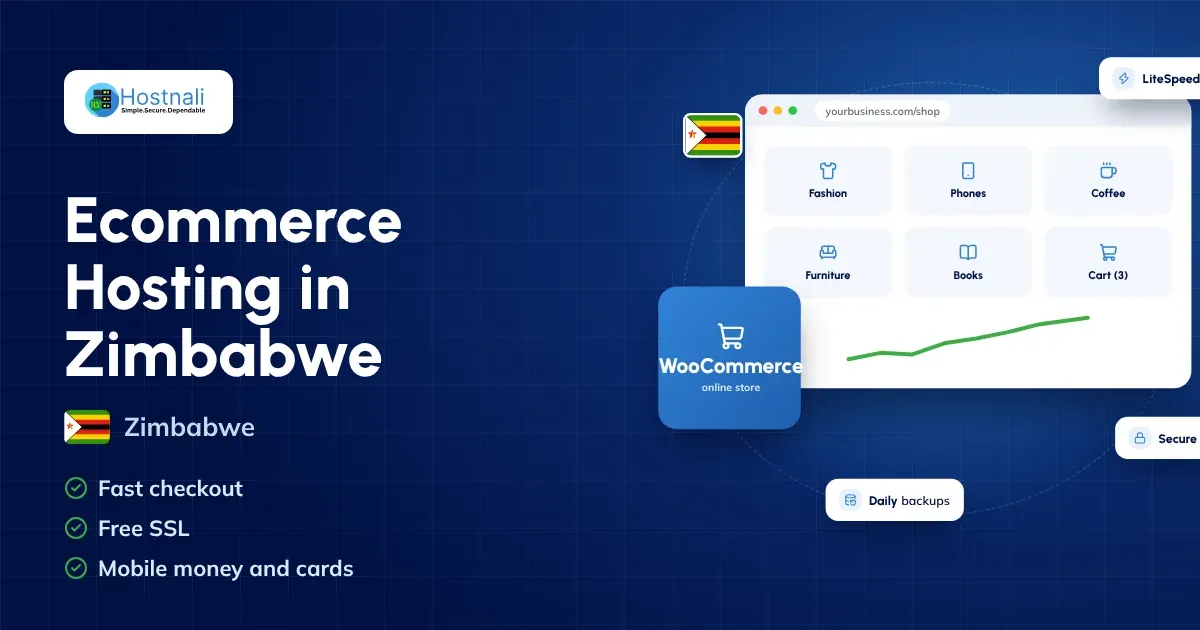
Your hosting package must meet the requirements of WordPress, WooCommerce, your theme and your plugins. Hostnali’s WooCommerce hosting runs on LiteSpeed servers with NVMe storage and LiteSpeed Cache, and installs WordPress and WooCommerce in one click with Softaculous.
Hosted ecommerce platforms
Hosted ecommerce platforms bundle site-building tools and hosting into a single service. They can suit businesses that want a managed environment and little server administration.
Before choosing one, compare the monthly subscription, whether it supports the mobile money and card payments your Zimbabwean customers use, transaction fees, how far you can customise it and how easily you can export your store data if you leave.
Custom-built ecommerce websites
A custom-built store can suit a business with unusual workflows, integrations or features that standard ecommerce tools can’t handle easily.
Custom development normally needs a larger budget and ongoing technical support. The hosting environment should be chosen around the application’s design, traffic and resource needs.
8 Features to Look for in Ecommerce Hosting in Zimbabwe
Not every hosting package suits an online shop equally well. Review these features before you decide.
1. Reliable uptime
Uptime is the time your website stays reachable. Repeated interruptions stop customers from viewing products or completing orders.
Compare each provider’s published uptime commitment, its service-level terms and how it reports outages. Ask which exclusions apply and whether service credits are offered.
No provider can promise that every website is reachable every second, so read the actual terms instead of trusting a headline percentage. Hostnali gives a 99.99% monthly uptime guarantee with service credits set out in its Terms of Use; see what uptime really means.
2. SSD or NVMe storage
Storage holds your website files, product images, databases, emails and other content.
SSD storage performs well, and NVMe storage can deliver even higher throughput in the right setup. Storage is only one part of speed, though: server configuration, CPU and RAM, caching and how well the application is optimised matter too. Read more in NVMe hosting in Zimbabwe.
Check how much storage is included and whether backups count towards your allowance.
3. Enough CPU and RAM
CPU and RAM let your website handle requests and run applications. An ecommerce site uses extra resources whenever customers browse, update their carts, search or place orders.
A small store can run comfortably on a suitable shared hosting plan. A busier store with a large catalogue or heavy plugins may need a higher plan or VPS hosting.
Don’t choose a package on storage alone. Look at its resource limits and its upgrade path.
4. SSL certificate and HTTPS
HTTPS encrypts information between a visitor’s browser and your website, and an SSL/TLS certificate is what makes it possible.
Choose a package that includes an SSL certificate and lets you set up HTTPS properly. Every Hostnali plan includes a free SSL certificate that installs and renews automatically. Check that it renews and that every page, image and script loads securely.
An SSL certificate does not make a whole store secure on its own. You also need updates, strong passwords, sensible access controls and safe payment integrations.
5. Regular backups
A backup is a copy of your website files and database that helps you recover after an accidental deletion, a failed update, malware or another problem.
Before buying hosting, ask:
- How often are backups taken?
- How long are they kept?
- Are they stored away from the live website?
- Can you restore the website yourself?
- Is restoring included, or charged separately?
Keep an extra copy outside your hosting account where you can, and test a restore before you need one. Hostnali’s shared hosting keeps a daily, a weekly and a monthly restore point that you can restore yourself in cPanel; see how to back up your WordPress website.
6. WordPress and WooCommerce compatibility
If you plan to use WooCommerce, confirm that the hosting supports the current requirements of WordPress, WooCommerce, your theme and your payment plugins.
Check the supported PHP versions, database compatibility, HTTPS support and whether you can manage the files and databases your store relies on.
A package labelled “WordPress hosting” is a good start, but the actual resources and features still matter.
7. Support and troubleshooting
When checkout breaks, you need to know whether the cause is the hosting, WordPress, a plugin, the payment provider or something else.
Choose a provider that explains how to reach support, when it is available and what help is included. Ask whether support covers only server problems or also basic application troubleshooting. Hostnali’s support team is available 24/7 by live chat and ticket.
8. Room to expand
Pick a provider that can grow with you. Later you may need more storage, more processing power, staging tools, stronger caching or a move to a VPS.
Check upgrade costs and migration help before committing to a long-term plan.
How Much Does Ecommerce Hosting Cost in Zimbabwe?
The total cost depends on the hosting package, domain, platform, design, extensions, payment integrations and the level of support you need.
As a guide, Hostnali’s web hosting starts at $18.29 a year, and the Standard plan, which suits most small shops and includes a free domain, is $35.07 a year. A busy store that needs its own server starts from $12.42 a month on a VPS. Prices are shown in US dollars and update from our billing system.
Your budget may include:
| Expense | What to consider |
|---|---|
| Domain name | Registration price and renewal cost |
| Web hosting | Storage, resources, security and support |
| Website design | Theme customisation or professional development |
| Ecommerce platform | WooCommerce itself or a paid hosted platform |
| Plugins and extensions | Delivery, marketing, reporting and other functions |
| Payment integration | Provider fees and any integration costs |
| Website maintenance | Updates, backups, security and troubleshooting |
| Marketing | Product photography, content, advertising and promotion |
The core WooCommerce plugin is free, but you will still pay for hosting, a domain and possibly premium extensions, development work and payment processing fees.
Always check renewal prices, taxes, resource limits and exactly what is included before you buy.
To compare Hostnali’s packages and current prices, see the WooCommerce hosting plans.
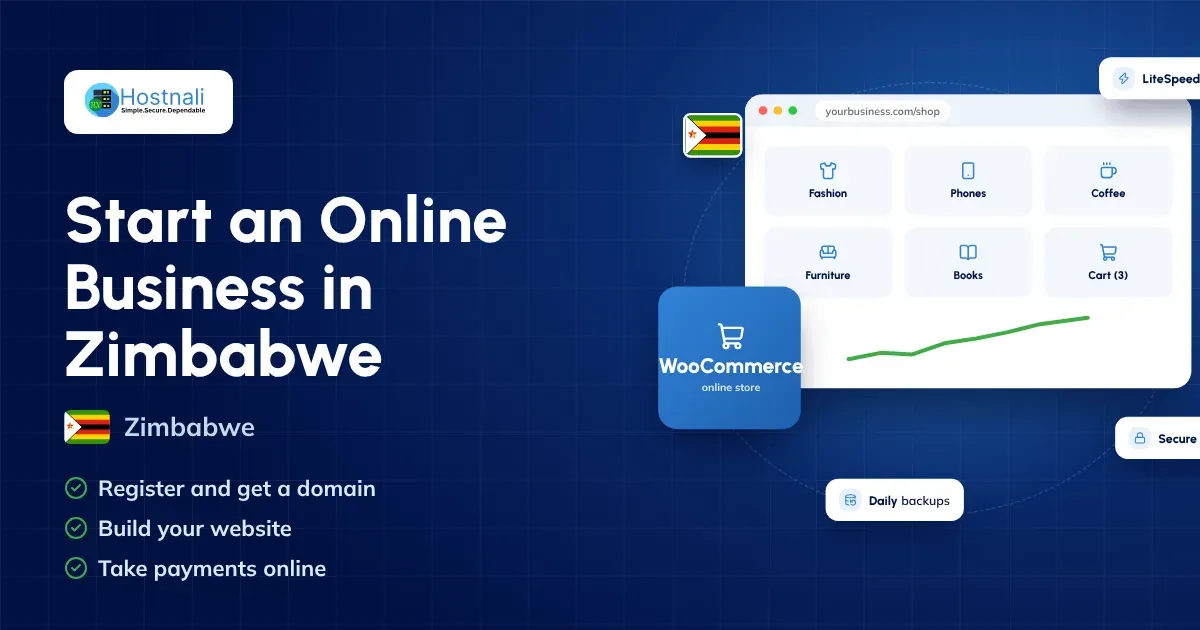
How to Set Up an Online Store With WordPress and WooCommerce
If this is your first online shop, this order of work is a practical place to start.
Step 1: Register a suitable domain
Choose a name that is easy to spell, easy to remember and clearly linked to your business. Most Zimbabwean stores use a .com ($14.93 a year), and .africa suits a brand that sells across the region. Zimbabwe’s .co.zw and other .zw domains need an application to the Zimbabwean registry; ask our team and we’ll help.
Check availability and renewal costs on our domain registration page before you register.
Step 2: Buy compatible hosting
Choose a package that supports WordPress and has enough resources for your expected catalogue and traffic.
You can compare packages on the Hostnali web hosting page. Every plan includes free migration if your store already lives somewhere else.
Step 3: Install WordPress and WooCommerce
Install WordPress with Softaculous in cPanel, then add WooCommerce and work through its setup wizard.
Set your store address, the currency (most Zimbabwean stores price in US dollars), product settings, delivery zones and the other key options. New to WordPress? Read what is WordPress.
Step 4: Add products and clear information
Write useful product titles and descriptions. Upload properly sized photos and show prices, sizes or variations, stock levels and delivery details.
Publish clear contact details, a privacy notice, terms and conditions and a returns or exchange policy that fits your business.
Step 5: Set up payments and deliveries
Choose a payment provider that suits your business and the way Zimbabweans pay: mobile money wallets such as EcoCash, OneMoney and InnBucks, cards and bank transfer. Check that the gateway supports your checkout and settlement process before you launch.
Set delivery fees for Harare, Bulawayo and other areas, pickup points and expected delivery times. Many Zimbabwean stores also offer cash on delivery.
Never assume a payment integration comes with your hosting. It usually needs its own merchant account, plugin or setup.
Step 6: Secure and test the store
Switch on HTTPS, use strong administrator passwords, keep software updated and set up backups.
Test the whole customer journey on a phone and on a computer: browsing, variations, adding to cart, checkout, payment confirmation, order emails and delivery details.
Where possible, use your payment provider’s test mode before you take real money.
Step 7: Monitor performance after launch
Watch page speed, error logs, storage and resource usage. Review abandoned carts and customer feedback to find what to improve.
As traffic grows, optimise images, use caching and check whether your hosting plan still fits.
Common Ecommerce Hosting Mistakes to Avoid
Buying the cheapest package without checking limits: A low price is tempting, but too few resources, strict usage rules or expensive renewals cause trouble later.
Ignoring renewal costs: A first-year offer may not reflect the cost of keeping your store online over several years.
Installing too many plugins: Unneeded or poorly maintained plugins add security risk and slow the site down.
Uploading huge product images: Oversized images slow category and product pages. Resize and compress them before uploading.
Not keeping backups: A backup only helps if it exists and can actually be restored.
Treating SSL as complete security: HTTPS protects data in transit, but the store still needs secure administration, updates, monitoring and safe payment handling.
Not testing checkout: A site can look fine while payment notifications, delivery settings or order emails are broken. Test the whole process regularly.
Waiting until the store is slow before upgrading: Keep an eye on resource usage and plan upgrades before customers notice problems.
Is Shared Hosting Enough for an Online Store?
Shared hosting is a sensible starting point for a small shop with modest traffic, a manageable catalogue and a compatible setup.
Shared hosting places several accounts on one server, and the resources and usage rules vary by provider and package.
A growing store may benefit from a bigger package or a VPS if it sees steady traffic, heavy database activity or frequent resource limits. A VPS usually means more responsibility for configuration and administration unless you add a managed service.
The best choice is not necessarily the most expensive one. It is the package that fits your needs today and gives you a sensible upgrade path.
Why Consider Hostnali for Your Ecommerce Website?
Hostnali serves online stores and businesses across Zimbabwe. When you compare our plans for an ecommerce website, measure them against what your store needs:
- NVMe SSD storage and LiteSpeed servers with LiteSpeed Cache on every plan.
- Free SSL, daily backups and Imunify360 malware protection.
- One-click WordPress and WooCommerce, plus staging to test changes safely.
- A 99.99% uptime guarantee and a 30-day money-back guarantee on hosting.
- Free migration from your current host.
- Payment by card, bank transfer or mobile money, and 24/7 support by live chat and ticket.
Start with the WooCommerce hosting page, or let our team build your store. Before buying, confirm that the plan supports your chosen platform and payment integration.
The goal is hosting that supports a dependable shopping experience, protects your business data and adapts as your customer base grows.
Frequently Asked Questions About Ecommerce Hosting in Zimbabwe
1. Which hosting is best for ecommerce in Zimbabwe?
It depends on your platform, traffic, catalogue size, budget and technical needs. Compare uptime terms, server resources, SSL, backups, support and upgrade options before you choose.
2. Can I run an online store on shared hosting?
Yes. A suitable shared hosting package works for a small store with modest traffic. Check the resource limits and keep an eye on performance as the shop grows.
3. Is WooCommerce suitable for Zimbabwean businesses?
WooCommerce suits Zimbabwean businesses that want to manage products, orders and content in WordPress. Confirm that your payment gateway and delivery workflow meet your needs.
4. Can I accept mobile money payments on my ecommerce website?
Yes, if you use a payment gateway that supports Zimbabwean mobile money wallets such as EcoCash, OneMoney and InnBucks, and set it up correctly. Check transaction fees, settlement terms and plugin compatibility with the provider.
5. Do I need an SSL certificate for my online store?
Yes, your store should use HTTPS. An SSL/TLS certificate enables the encrypted connection between your website and its visitors. Keep your other security measures in place too.
6. How much does ecommerce hosting cost in Zimbabwe?
Costs vary with resources, service level and features. Hostnali web hosting starts at $18.29 a year. Compare the full renewal price and any extra costs for domains, extensions, payment integrations, backups and maintenance.
7. Can I upgrade my hosting package later?
Most providers allow upgrades, but the options differ. On Hostnali you can upgrade from the Client Area at any time without losing anything. Elsewhere, ask about upgrade costs, resource limits and whether a migration causes downtime.
8. What should I back up on my ecommerce website?
Back up both the website files and the database. The database holds your products, orders and settings. Keep a separate copy where possible and test restoring it.
Final Thoughts
Choosing ecommerce hosting in Zimbabwe is an important decision for any business that sells online. Your hosting should support reliable access, secure connections, quick product pages, a working checkout and a clear path to grow.
Start with your platform and budget. Then compare server resources, storage, SSL, backups, support, renewal prices and upgrade options. If you use WordPress and WooCommerce, check compatibility with your theme, plugins and payment gateway before you commit.
Good hosting, together with clear product information, a secure payment integration and regular maintenance, gives your online store a strong foundation for serving customers across Zimbabwe.
Ready to build your online store? Explore Hostnali’s WooCommerce hosting plans and choose a package that fits your store. Starting from scratch? Read how to start an online business in Zimbabwe.