 USD
 KES - Kenya
 UGX - Uganda
 TZS - Tanzania
 RWF - Rwanda
 NGN - Nigeria
 ZAR - South Africa
 GHS - Ghana
 ETB - Ethiopia
 ZMW - Zambia
 USD - International

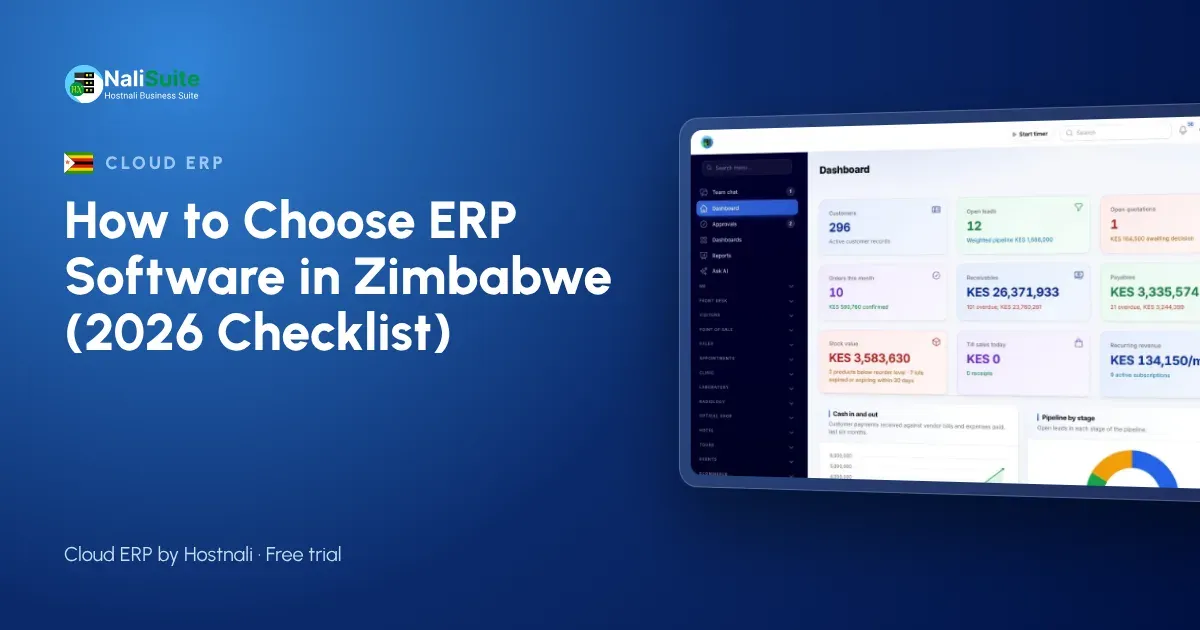
Zimbabwean SMEs deal with US dollar pricing, several payment channels and tight cash flow. Spreadsheets struggle to keep that straight once you have a second branch in Bulawayo or Mutare and a growing team. This guide explains what to look for in ERP software in Zimbabwe, using an auto spares group with branches in Harare, Mutare and Gweru as a running example. The companies named here are examples, but their situations are common.
A worked example: the spares group
Take an auto spares group with branches in Harare, Mutare and Gweru. Before switching, Tendai kept sales in one file, stock in another and payroll in a third, and the figures for Harare never agreed with the bank. The shortlist was simple: local payments, tax handled the way the Zimbabwe Revenue Authority (ZIMRA) expects, and a till that keeps going when the network drops in Mutare. After a month of running both systems, the spares group moved fully across and closed its books in a day instead of a week.
Signs you have outgrown spreadsheets
If two or more of these sound familiar, an ERP will pay for itself:
- the stock count never matches the sales record
- month-end takes days because figures come from different places
- nobody knows exactly who owes what without phoning around
- payroll is a spreadsheet only one person understands
- a second branch or warehouse is on the way
At the spares group, the last straw was a stock count that differed from the sales record for the third month running.
ERP in plain words
Instead of separate tools for invoices, stock, payroll and accounts, an ERP keeps them in one place with one set of records. Enter a customer or product once and every app uses it. That is the whole point, and it is why the spares group stopped retyping figures between spreadsheets. For the spares group, that meant one customer list instead of four.
Tax and invoicing rules
Your ERP should work out VAT per line, show your BP number on every invoice and give you the totals for returns to the Zimbabwe Revenue Authority (ZIMRA). Rates change, so pick a system where you set and update the rates yourself. For quick checks, use the free VAT calculator. The spares group checked how the tax settings work before importing a single product.
Check the payment side carefully
Ask how a card or bank payment from a customer in Zimbabwe reaches the books. The answer should be: automatically, against the right invoice. NaliSuite connects to your own provider account; see online payments. Tendai at the spares group tested this first, before looking at any other feature.
Plan for more than one location
If you have, or plan, more than one shop or warehouse, check how the ERP handles stock per location, transfers between branches and reports per branch and for the whole business. See multi-company and branches. Tendai now sees each location of the spares group on one screen instead of in separate files.
Payroll belongs in the same system
Payroll should let you set up the deductions that apply to your business in Zimbabwe, work them out on every pay run and send payslips by email or WhatsApp. See the NaliSuite payroll app. Moving payroll into the same system meant the spares group no longer depended on one spreadsheet and one person.
Common traps
The most expensive mistake the spares group nearly made was choosing software that looked complete but could not take local payments. Other traps: switching in the busiest month, not cleaning the customer list before importing it, and leaving payroll in a separate spreadsheet. Tendai admits the spares group nearly made two of these.
Choosing an ERP in Zimbabwe
For Zimbabwean businesses, US dollar pricing, several payment channels and tight control of stock across branches decide the choice. Check that every payment method is recorded against the right invoice.
Count the full cost
Compare the monthly fee with what you pay today for separate tools, plus the hours spent moving figures between them. NaliSuite starts from $2.10 a month with every built-in app; see the plans. When Tendai added up what the spares group paid for separate tools, the comparison was easy.
Frequently asked questions
What is the difference between accounting software and an ERP?
Accounting software keeps the books. An ERP also runs sales, stock, purchases, payroll and support, and posts to the books automatically.
Does a cloud ERP work on phones?
Yes. NaliSuite runs in the browser on phones, tablets and computers, and the till keeps selling offline.
Will my data be safe?
Choose a provider that backs up your data and lets you export it. Ask about both before you sign up.
Which plan suits a small business in Zimbabwe?
Plans differ mainly by users and storage. Start small and move up as the team grows.
Try NaliSuite
Ready to compare? NaliSuite brings sales, stock, payments, payroll and accounting together in Zimbabwe. See the plans and start free.