 USD
 KES - Kenya
 UGX - Uganda
 TZS - Tanzania
 RWF - Rwanda
 NGN - Nigeria
 ZAR - South Africa
 GHS - Ghana
 ETB - Ethiopia
 ZMW - Zambia
 USD - International


Security companies in Harare, landlords in Bulawayo and private colleges in Mutare share a business model: they bill the same clients every month or term. When that billing is done by hand, cash flow depends on someone remembering to send every invoice and chase every late payer.
This guide explains which Zimbabwean businesses gain most from recurring billing, how to set it up, and how to handle the country’s particular issue: deciding the billing currency.
Businesses built on repeat billing
- Security and guarding firms: monthly contracts per site.
- Landlords and property agents: rent and levies.
- Schools and colleges: termly tuition, boarding and transport.
- Internet, IT and software providers: monthly service fees.
- Cleaning, maintenance and garden services: regular contracts.
- Clubs and gyms: memberships.
In each case, the work is ongoing and so is the billing.
Decide the billing currency first
Before setting anything up, decide for each client:
- which currency the contract is in;
- whether they can pay in another currency, and if so, at which rate;
- what happens if the rules on currency change during the contract.
Put this in the contract and on every invoice. A recurring invoice in the wrong currency repeats the mistake every month.
How recurring billing works
You set up a subscription for each client: the amount, the currency, the period and the start date. The system then:
- creates each invoice on schedule;
- sends it by email or WhatsApp;
- records payments as they arrive;
- sends reminders when a payment is late.
NaliSuite Subscriptions handles weekly, monthly, quarterly or yearly periods with start and end dates. Invoices can include a link to pay online through the provider you connect; see online payments. Payments by bank transfer or cash are recorded against the right invoice too.
Setting it up
Step 1: Collect client details
Name, contact person, phone, email, what they pay for, the amount, the currency and the billing period.
Step 2: Group clients into plans
A security firm might have plans by number of guards per site; a college by programme. When a price changes, update the plan and every client on it is billed the new amount from the next period.
Step 3: Choose billing dates
Monthly contracts often bill on the 1st. Terms bill before the term starts. Choose dates that match when your clients usually have money available.
Step 4: Set due dates and reminders
For example, payment due within 7 days, a reminder two days before the due date and a follow-up a week after. NaliSuite Invoicing sends reminders and statements automatically.
Step 5: Give clients self-service
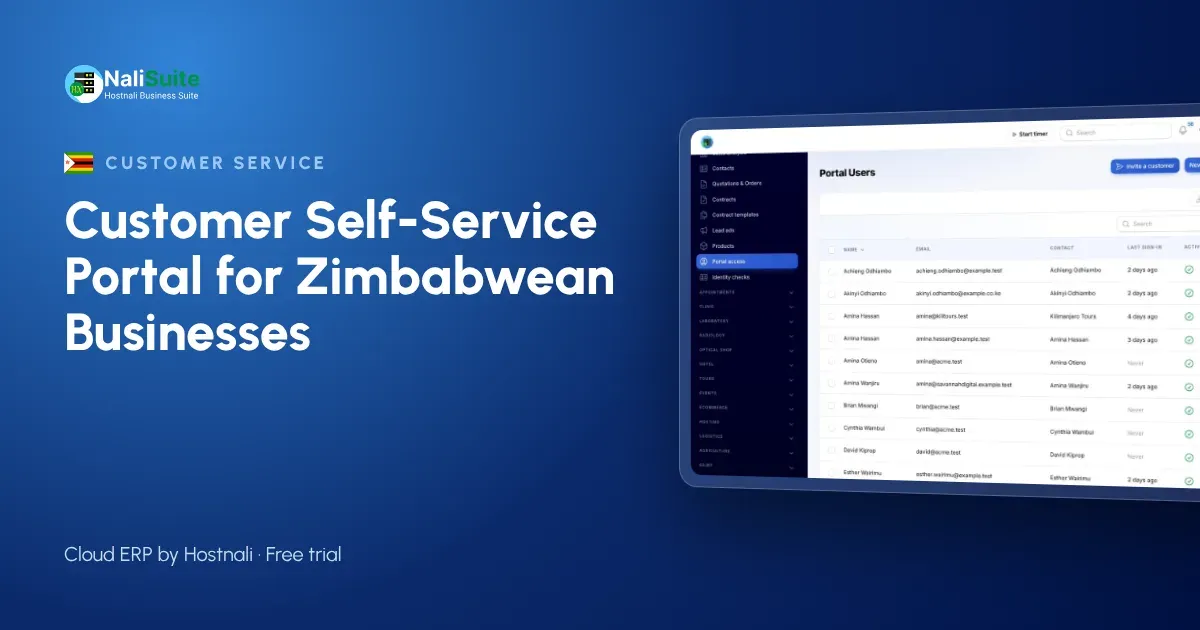
In the customer portal, clients see their invoices and payments and can pay what is due. You can also let them upgrade, pause or cancel themselves.
When contracts change
- A client adds a guard mid-month: the subscription is changed and the difference for the rest of the month is worked out automatically.
- A school holiday: pause transport billing with a restart date.
- A price increase: update the plan from the next period and tell clients in advance.
Tax
If you are VAT-registered, recurring invoices must show VAT correctly. Confirm the current rate and invoicing requirements with ZIMRA, as these have been revised in recent years, and update your plans when they change.
Numbers to watch
- Recurring revenue per month, in each currency.
- Clients gained and lost.
- Overdue balances by age.
NaliSuite shows recurring revenue, new and lost subscribers and churn on a dashboard, so you can spot a client who is slipping before the debt becomes large.
Example: a security firm in Harare
A guarding company with 25 client sites used to prepare invoices manually at the start of each month. Invoices often went out mid-month, and some sites were missed after contract changes. With subscriptions set up per site, invoices went out on the 1st every month, extra guards were billed from the day they were added, and the owner could see every site’s balance in one list. Late payments fell because reminders now went out on time.
Telling clients before you switch
If you move existing clients to automatic billing, tell them first: when invoices will arrive, in which currency, how to pay and where to see their balance. Ask them to confirm the email address or WhatsApp number that should receive invoices. A short message at the start avoids a month of “we never got your invoice”.
Frequently asked questions
Can I bill some clients in US dollars and others in local currency?
Set each client’s currency according to the contract, and keep the rules for each currency written down.
What happens if a client pays in a different currency?
Record the payment in the currency received and follow the rate rule in your contract. Your accountant can advise on how to treat any difference.
Can I bill for a full term in advance?
Yes. Set a termly period and the full invoice is created at the start of each term.
Can I stop billing a client automatically when a contract ends?
Yes. Set an end date on the subscription and billing stops after it.
Try NaliSuite
NaliSuite bills your recurring clients automatically, sends reminders and keeps every payment on record. Plans start at $2.10 a month with a free trial; see the plans or learn more about NaliSuite.