 USD
 KES - Kenya
 UGX - Uganda
 TZS - Tanzania
 RWF - Rwanda
 NGN - Nigeria
 ZAR - South Africa
 GHS - Ghana
 ETB - Ethiopia
 ZMW - Zambia
 USD - International

In Zimbabwe, VAT sits on top of an already complicated picture: prices in US dollars, a local currency alongside them, and ZIMRA’s fiscalisation rules for invoices. This guide leaves the rate itself to ZIMRA, because it has changed, and focuses on the habits that keep your VAT right in Harare or Bulawayo.
Confirm the rate before you price
Check the current standard VAT rate with ZIMRA or your accountant. Enter it once in your system; NaliSuite lets you set your own tax rates, so a change in the law is one edit, not a hundred.
An example calculation
Using a 15% rate as an example only: a USD 400 service before VAT becomes USD 460, and USD 46 including VAT contains USD 40 net and USD 6 VAT. Put your real rate into the VAT calculator for actual figures.
Fiscalisation
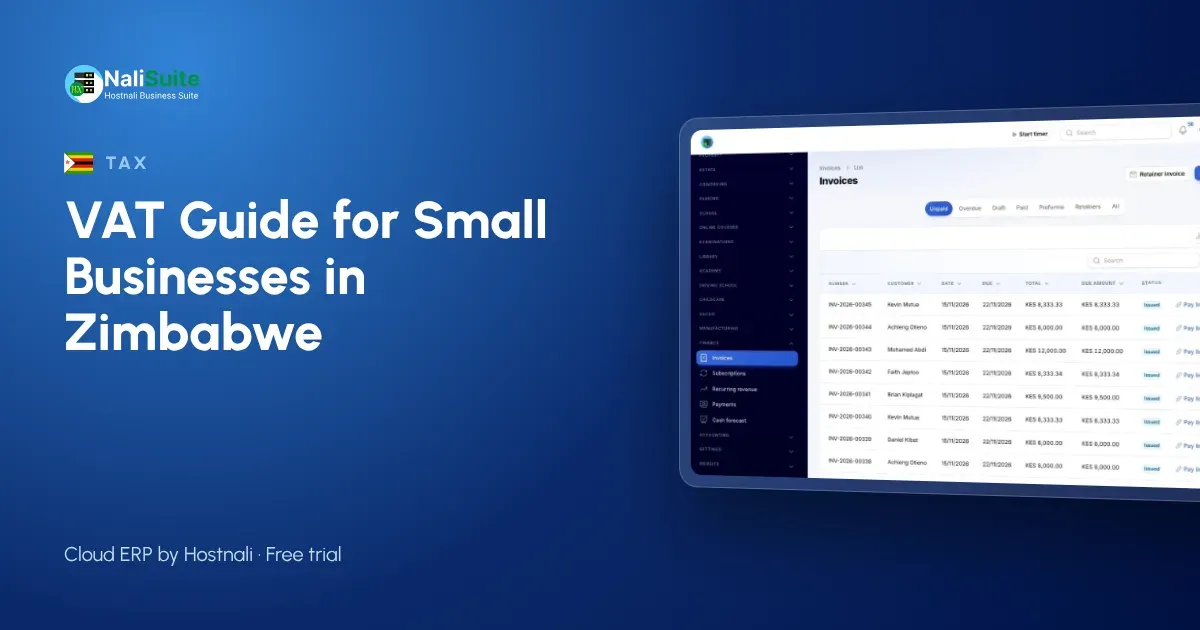
ZIMRA requires VAT-registered businesses to issue fiscalised invoices and receipts through approved devices or systems. Check what applies to your business. Your invoice itself should show your BP number, a sequential number, the date, the items, VAT separately and the total. NaliSuite Invoicing takes care of numbering and per-line tax.
Currency on the invoice
Most businesses invoice in US dollars, but make sure the currency is stated clearly on every invoice and that your records follow ZIMRA’s rules on currency.
Input tax
VAT on your purchases can usually be claimed against VAT on your sales, with valid fiscal invoices from suppliers. Keep them together each month.
Records and returns
Keep sales, purchases and payments in NaliSuite Accounting. The VAT report gives you the totals for your return; you file with ZIMRA. Card and bank receipts can be matched to invoices through NaliSuite’s online payments.
A worked period for a Bulawayo supplier
A sample building-materials supplier in Bulawayo sells to contractors and households, mostly in US dollars. It charges VAT on taxable sales, issues fiscalised invoices as ZIMRA requires and records purchases from suppliers who provide fiscal invoices.
At the end of the period, the VAT report shows VAT on sales and purchases, and the owner checks that the currency of each transaction is recorded properly before filing with ZIMRA.
Mixed-currency records
If you take payments in more than one currency, record each in its own currency and keep the conversion you used. Mixing them in one column is how errors creep into VAT returns.
Protect the VAT you collect
VAT isn’t your money. Moving the VAT portion of takings into a separate account weekly keeps it safe until it is due.
Second example: a Harare consultancy
A sample consultancy in Harare bills a monthly retainer in US dollars. Each invoice shows the fee, VAT at the rate confirmed with ZIMRA and the total. Payments made by card through the invoice link close the invoice automatically.
Before you file
- All fiscal invoices for the period are recorded.
- Supplier fiscal invoices for claimed VAT are on file.
- Each transaction’s currency is recorded.
- The VAT report is reviewed before filing.
Records ZIMRA may ask for
Keep fiscal invoices, supplier invoices, credit notes, bank statements and records of currency conversions for each period. When ZIMRA asks about a figure, you should be able to show the documents behind it quickly. NaliSuite links invoices, bills and payments so the trail is clear.
Quotations in a changing environment
When prices, rates or exchange rules change, check quotations that haven’t been accepted yet and re-issue any with outdated figures.
Staff who invoice
Make sure whoever issues invoices knows which items carry VAT, how to record the currency and how to correct a mistake with a credit note.
When to bring in your accountant
Ask your accountant to review your tax settings when you first register, when ZIMRA changes a rate or a rule, and before your first return in a new currency. Small errors repeated every month become large ones.
Frequently asked questions
What is the VAT rate in Zimbabwe?
Check the current rate with ZIMRA. This guide uses 15% only as an example.
Does NaliSuite fiscalise invoices?
NaliSuite issues invoices with VAT per line. Check ZIMRA’s requirements for fiscal devices or systems.
Can I use more than one currency?
NaliSuite supports price lists and invoices in more than one currency.
Can I change the tax rate myself?
Yes. Tax rates are set in NaliSuite’s settings.
What if a customer pays in a different currency?
Record the payment in the currency received and keep the conversion you used, following ZIMRA’s rules.
Is VAT charged on the US dollar amount?
VAT is worked out on the price in the currency of the sale, following ZIMRA’s rules. Ask your accountant for your situation.
What happens if I forget a supplier invoice?
You may not be able to claim the VAT on it. File supplier invoices as soon as they arrive.
Try NaliSuite
Your own tax rates, invoices in your chosen currency and VAT figures each period, from $2.10 a month. See plans.