 USD
 KES - Kenya
 UGX - Uganda
 TZS - Tanzania
 RWF - Rwanda
 NGN - Nigeria
 ZAR - South Africa
 GHS - Ghana
 ETB - Ethiopia
 ZMW - Zambia
 USD - International

WhatsApp is the main business channel in Zimbabwe, used for everything from price lists to proof of payment. Many customers in the diaspora also use it to order goods and services for family at home. For a business, that means a lot of messages from a lot of places, often to one phone.
Start with the customer’s side of the chat
A customer in Harare who messages you wants three things: a fast first reply, a correct answer and an easy way to buy. Everything else, the inbox, the tickets, the templates, exists to deliver those three.
Imagine a grocery delivery service in Harare that takes orders from Zimbabweans in the UK and South Africa for delivery to family in Harare and Chitungwiza. Orders arrive as long WhatsApp lists, payments come by card and transfer from abroad, and drivers send delivery photos in the same chat.
Decide who answers what
| Type of message | Who handles it | Target first reply |
|---|---|---|
| Price and stock questions | Sales team | 15 minutes |
| Orders and deliveries in Bulawayo and Mutare | Shop or dispatch | 30 minutes |
| Payment questions | Accounts | Same day |
| Complaints | Manager | 1 hour |
Step 1: put one business number in front of everyone
Use a single business number for sales and support, and connect it to the WhatsApp Business Cloud API so messages arrive in a shared inbox instead of one handset. In NaliSuite Helpdesk each message becomes a ticket that anyone on the team can open, whether they are in the Bulawayo branch or working from home.
Step 2: treat every conversation as a ticket
A ticket has an owner, a status and a history. When a customer in Mutare asks about a delivery, the ticket is assigned to whoever handles deliveries, and it stays open until the question is answered.
- Assign each new chat to a person or team, automatically or by hand.
- Tag it: price question, order, complaint, payment.
- Close it only when the customer has what they needed.
Step 3: agree how fast you reply
Set a simple promise, such as a first reply within 15 minutes during opening hours and by 9am the next day for evening messages. Service levels in the helpdesk show which chats are close to breaking that promise, so a manager in Harare can step in before the customer gives up.
Step 4: save quick replies for everyday questions
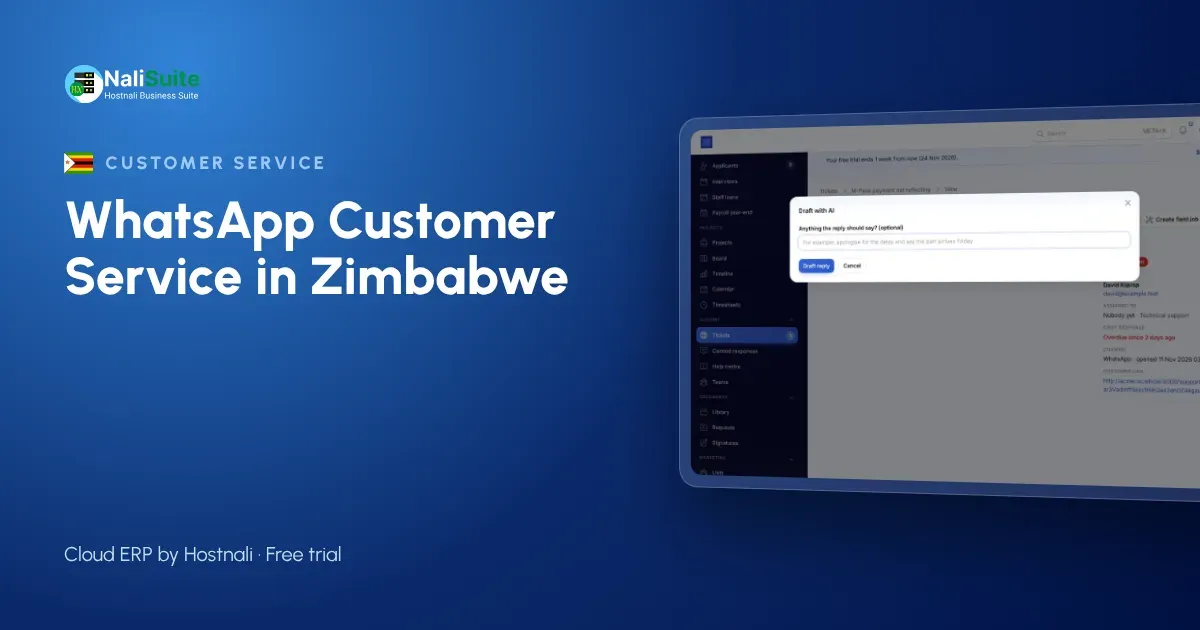
Opening hours, delivery areas around Gweru, how to pay and return rules are asked again and again. Saved replies let any staff member answer them correctly in seconds, and AI drafts can suggest an answer from your own help articles for the team to check and send.
Keep it polite and keep it legal
WhatsApp feels informal, but it is still your business speaking. Greet customers by name, confirm what you will do and by when, and never send promotions to people who did not ask for them. Approved templates from Marketing, an easy way to opt out and customer data kept in one business system rather than on staff phones protect your reputation in Zimbabwe.
When a chat turns into a sale, send the quotation from Sales and the invoice from Invoicing in the same thread, with a pay link for card, bank transfer or cash. Everything here is described on the WhatsApp feature page.
Mistakes that cost replies
- Answering from personal numbers. The customer saves the staff member’s number, and when that person leaves, so does the relationship. Keep every chat on the business number.
- No owner for evening messages. Messages that arrive after closing in Harare should be assigned to someone for the first hour of the next day, not left for whoever opens WhatsApp first.
- Prices typed from memory. A price quoted in a chat should come from the same price list the till uses, or two customers in Bulawayo will compare notes.
- Screenshots as proof of payment. Confirm card and bank payments from your own records, not a picture, and let the invoice mark itself paid.
- Broadcasting to everyone. Promotions sent to people who never opted in get your number blocked or reported.
A day in a shared inbox
At 8am the overnight chats are already assigned: two orders for the Harare shop, a delivery question for dispatch, a complaint for the manager. By 9am each has a first reply. At midday a customer in Mutare accepts a quotation online and pays the invoice from the same chat; the helpdesk shows it closed. In the afternoon a new staff member answers a returns question with a saved reply and gets it right first time. At closing, the open-ticket count is zero and nobody had to hand over a phone.
WhatsApp service in Zimbabwe: what to keep in mind
Many Zimbabwean businesses price in US dollars and serve customers abroad. An invoice with a pay link in the chat lets a customer in another country pay by card or bank transfer through your payment provider, and the order is confirmed when the money arrives rather than when a screenshot is sent.
Zimbabwean businesses serving the diaspora should expect messages at odd hours from the UK, South Africa and further away. Agree what customers can expect, for example a reply by 8am Harare time for overnight messages, and say so in an automatic greeting. Being clear about timing builds trust with customers who cannot walk into your shop.
Frequently asked questions
Can diaspora customers pay through a WhatsApp invoice?
Yes. The pay link offers the methods your payment provider supports, such as card or bank transfer, and the invoice is marked paid when the money arrives.
Can we price in US dollars?
Yes. Invoices and price lists can be in US dollars or another currency you set up.
Do I need the WhatsApp Business API?
Yes, to share one number across a team you connect it through the official WhatsApp Business Cloud API. Our team can help a Zimbabwean business set it up.
Can several staff answer at the same time?
Yes. Messages arrive as tickets in the helpdesk, so several people can answer different customers from one number, each with the full history.
Try NaliSuite
NaliSuite brings WhatsApp, helpdesk, sales, invoicing and online payments into one cloud ERP, from $2.10 a month. Start a free trial from the plans page and connect your business number.